Direct import — free
Your .xmind files,
open in the browser.
Atlas Red reads XMind files directly — every topic becomes one you can edit. No XMind, no install, no AI.
Use it free — no card, no trial →
- Free forever — not a trial
- Up to 10 maps, kept for good
- Every export included
Free has no end date — upgrade only if you outgrow 10 maps. XMind import is free on every edition, and every map exports back out to an open format.
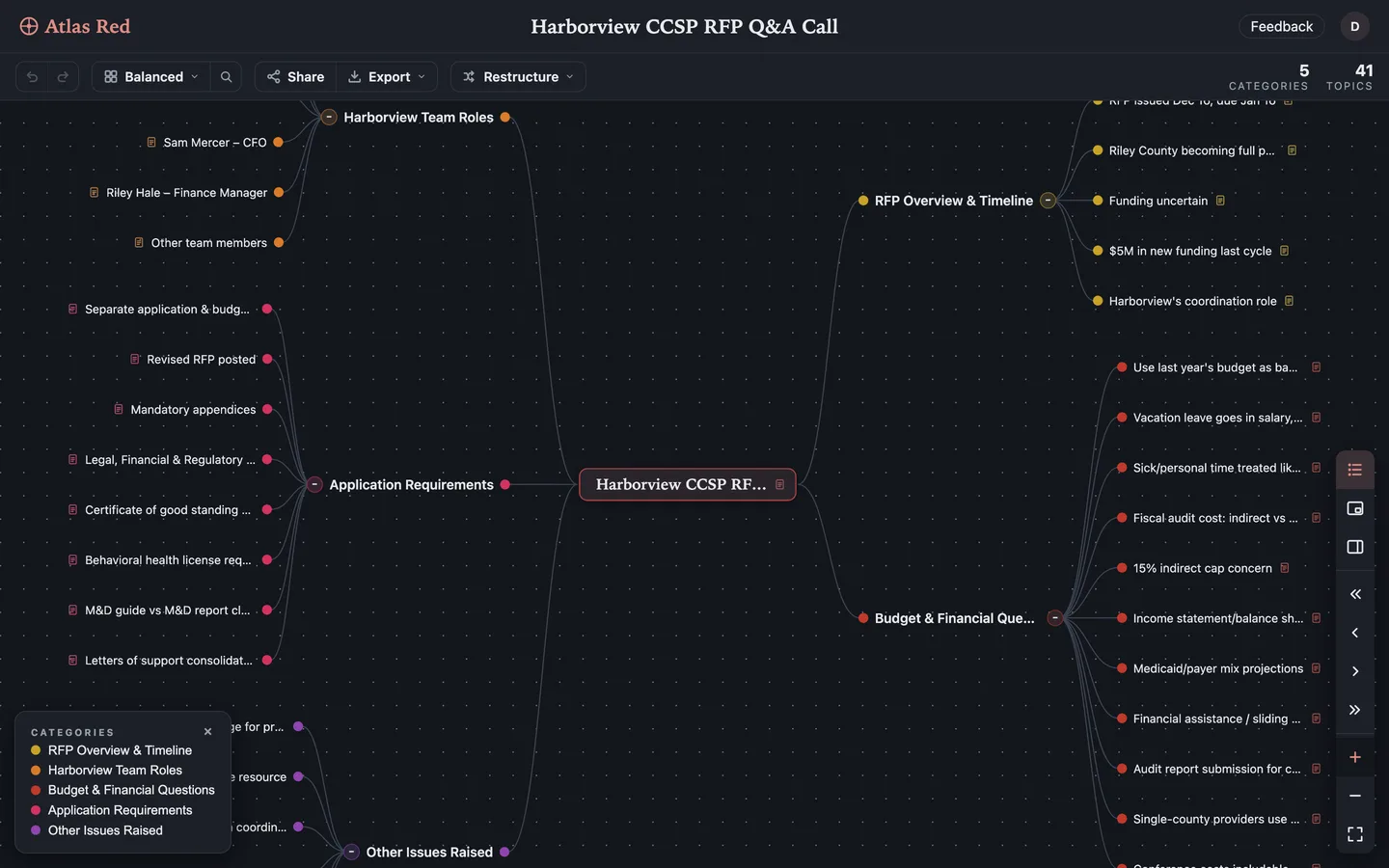
Drop the .xmind in. XMind 8 or XMind 2020 and later — both open. Nothing to install, nothing to spend.
The tree comes across. Topics, notes and relationships keep their place, and several sheets join into one map.
It goes back out, too. Export to XMindMark, OPML, Markdown or any of 11 formats — on every edition, Free included.
Questions people ask
How do I open an .xmind file without XMind?
Open Atlas Red in your browser, sign up free and import the file. Every topic comes in as one you can edit. No XMind, no install, no AI.
Which XMind versions work?
Both kinds of workbook: files from XMind 8 and older, and files from XMind Zen, XMind 2020 and later. You don't need to know which one you have.
What comes across, and what doesn't?
The tree comes across; the decoration doesn't. Topics and their plain-text notes come in as you left them. Relationships become cross-links, labels included. Boundaries, summaries, markers, stickers and themes have no match in Atlas Red, so they're dropped. Look over the map before you delete the original.
What happens to a file with several sheets?
It opens as one map. Each sheet's central topic becomes a main branch under a new root. A file with one sheet keeps its central topic as the root.
Is XMind to mind map conversion free?
Yes. It's a direct import, not an AI feature: no credits, no trial, no card. It works the same on Free and Pro, and so does export.
Can I go back to XMind later?
Yes. .xmind is import-only, so the way back is XMindMark — XMind's own open text markup, which XMind's tooling converts to .xmind. OPML, Markdown and the rest of the 11 export formats are there too, on every edition, Free included.
Can my AI assistant import .xmind files for me?
Not the file itself. An .xmind file is a zip archive, and assistants pass text. Drop the file into the app once. Then ChatGPT or Claude can read and edit the map through Atlas Red's MCP server — free and never metered.
Should I switch from XMind for good?
That's a bigger question, and it has its own page: Atlas Red as an XMind alternative — price, features, and when XMind is still the better pick.
What other formats can I import without AI?
JSON (an Atlas Red backup), Markdown, plain text and TSV outlines, YAML, OPML, FreeMind (.mm), XMindMark and .xmind archives — all direct, all free, no AI. Photos, PDFs, Word documents, recordings, caption files and YouTube links use AI, and they're the only imports that cost credits.