Direct import — free
Your .mm files,
open again.
Atlas Red reads FreeMind files directly in the browser — every node a topic you can edit again. No Java, no install, no AI.
Use it free — no card, no trial →
- Free forever — not a trial
- Up to 10 maps, kept for good
- Every export included
- No Java, no install
Free has no end date — upgrade only if you outgrow 10 maps. FreeMind import is free on every edition, and every map exports back out to an open format.
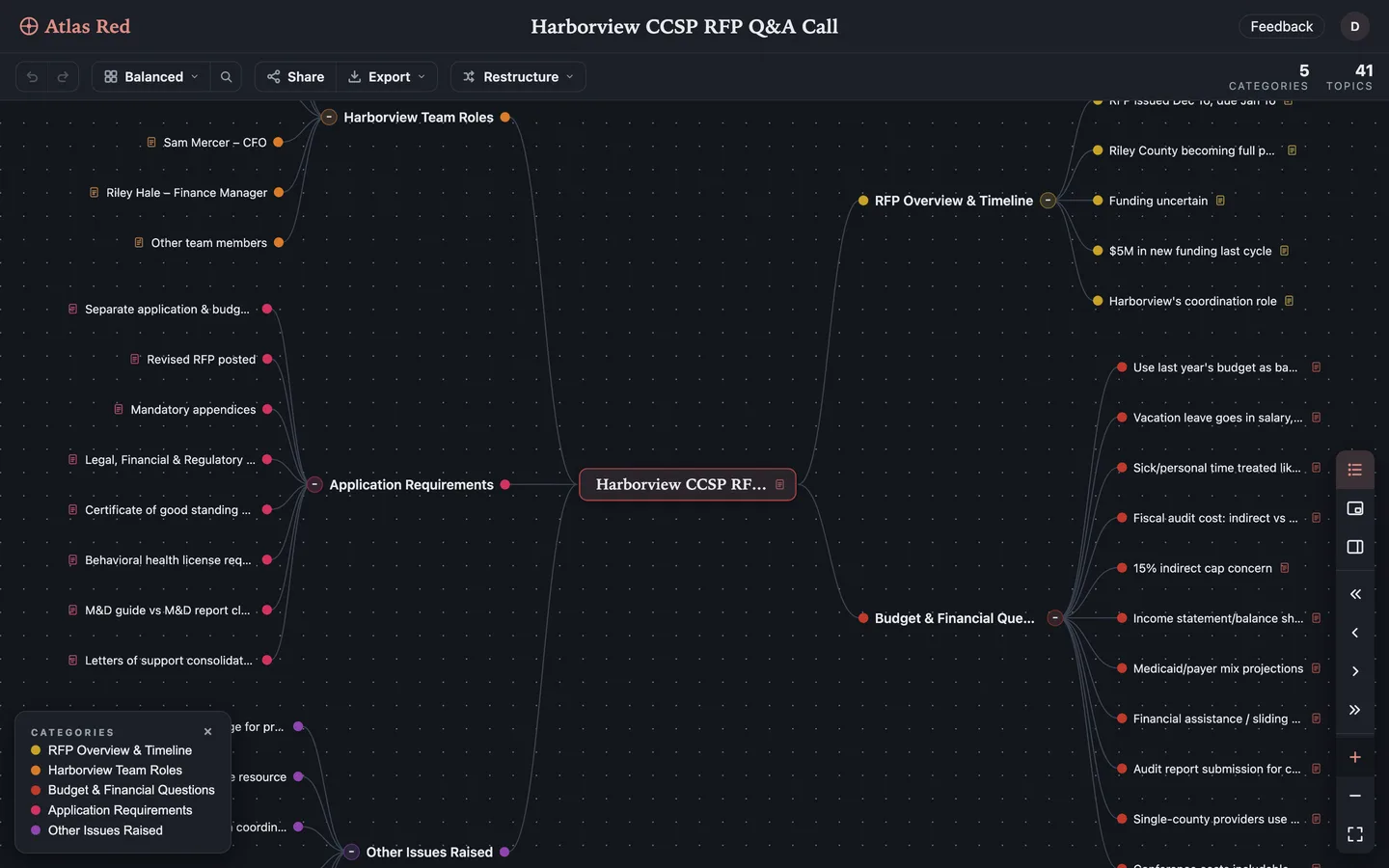
Drop the .mm in. From wherever it has been sitting for a decade. Nothing to install, nothing to spend.
Every branch keeps its place. The root becomes the centre; parents, children and order come across as you left them.
It goes back out, too. Export to OPML, Markdown, XMindMark or any of 11 formats — on every edition, Free included.
Questions people ask
Is FreeMind to mind map conversion free?
Yes — completely. It's a direct format conversion, not an AI feature: no credits, no trial, no credit card. It works on the Free edition exactly as it does on Pro, and the same is true of export. Only photo and PDF import ever cost anything.
What is a .mm file?
FreeMind is the long-running open-source desktop mind mapper, and .mm is what it saves: an XML file holding your nodes and their nesting. Because FreeMind was free and everywhere, .mm became a de facto interchange format — MindMeister, XMind and others all read or write it, which is why the extension turns up in export menus belonging to apps that have nothing to do with FreeMind. It is also why these files tend to survive: they are plain XML, so nothing has corrupted them sitting in a backup for a decade. The problem was never the file. It was that opening it meant installing a Java desktop app to look at a tree of text.
Do I need Java or FreeMind installed?
No. FreeMind is a Java desktop application; Atlas Red is not. You need the .mm file and a browser. If the machine that ran FreeMind is long gone, the file is still all you need.
Does it work with Freeplane files?
Yes — with one honest caveat. Freeplane is the actively maintained fork of FreeMind and saves the same .mm extension, so a straightforward Freeplane map opens the same way. The node structure is what carries across. If your file leans on Freeplane-specific extras, look at the result before you delete the original.
Can I export the mind map back out?
Yes, any time, on every tier including Free — export is never behind the paywall. .mm itself is import-only, so the way back out is an open format: OPML, Markdown, XMindMark or any of the 11 export formats. The map that spent ten years as a file you could not open goes back to being a file you can open anywhere — this time without needing us either.
What other formats can I import without AI?
Markdown, plain text and TSV outlines, YAML, OPML, FreeMind (.mm), XMindMark and .xmind archives — all direct, all free, no AI. Photos and PDFs use AI and are the only imports that cost credits.
Can my AI assistant import .mm files for me?
Yes — Atlas Red's MCP server exposes the same import to any connected assistant, so you can ask ChatGPT or Claude to bring an old map into your workspace. It's free and never metered.