Direct import — free
Your outline,
already a map.
Paste any indented text — headings, bullets, an outline — and every bullet becomes a topic you can move, rename and extend. Instant, no AI.
Use it free — no card, no trial →
- Free forever — not a trial
- Up to 10 maps, kept for good
- Every export included
Free has no end date — upgrade only if you outgrow 10 maps. Markdown import and export are free on every edition — out and back, as often as you like.
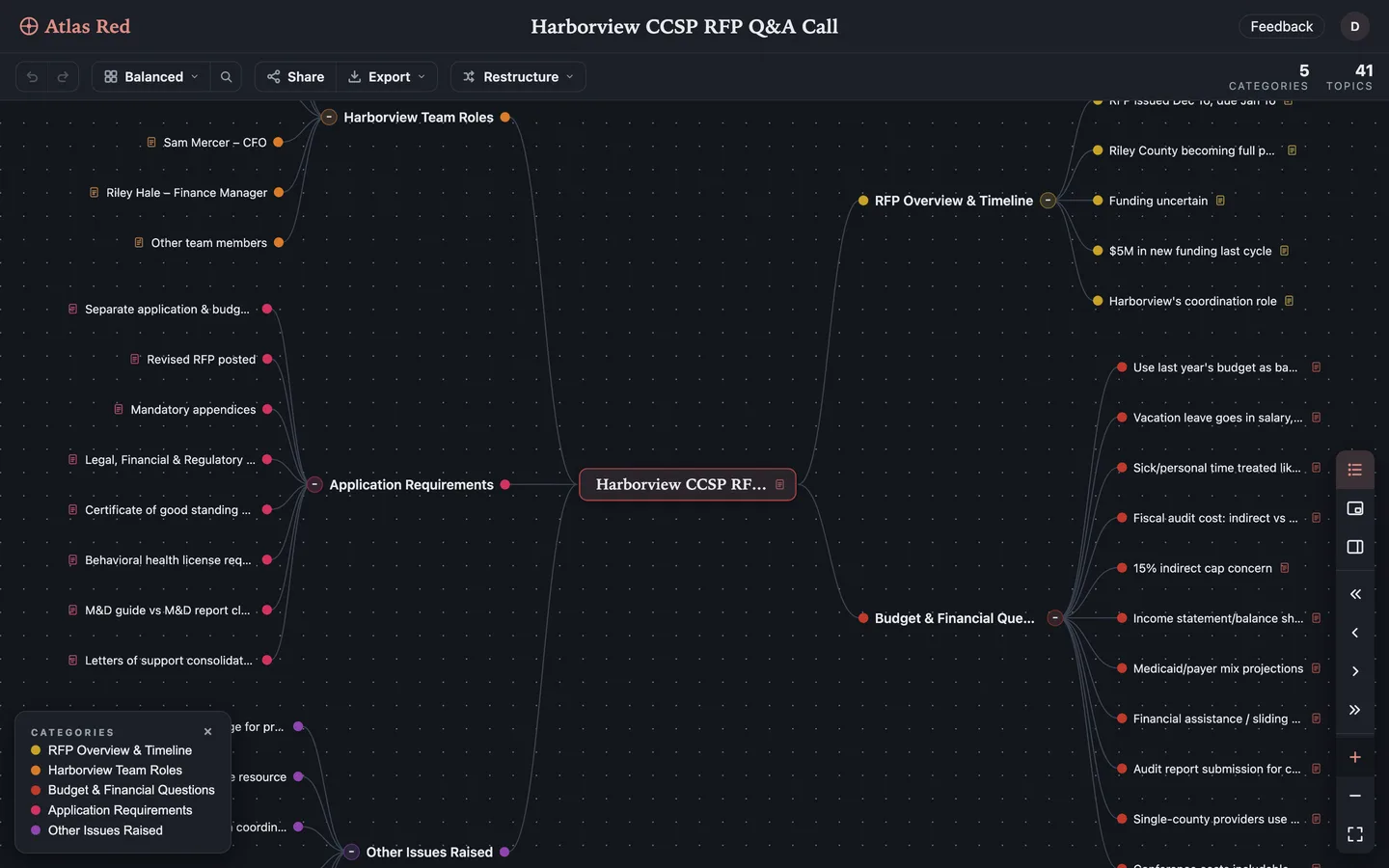
Drop the file in. Any .md file, or paste the outline straight from your editor. Nothing to configure, nothing to spend.
Structure comes across. The heading becomes the title, bullets become topics, indentation becomes hierarchy — and your prose becomes notes instead of being thrown away.
Send it back out. Export to Markdown again whenever you like. Your outline and your map are the same document in two shapes.
Questions people ask
Is Markdown to mind map conversion free?
Yes — completely. It's a direct format conversion, not an AI feature: no credits, no trial, no credit card. It works on the Free edition exactly as it does on Pro, and the same is true of export. Only photo and PDF import ever cost anything, because those need a model to read them.
What Markdown does it understand?
No special dialect and no front-matter — just the Markdown you already write:
A leading # heading becomes the map's title. Bullet lines become topics, nested exactly as you indented them. A plain line after a bullet attaches to it as a note — which means the half-finished thinking between your bullets survives the trip instead of being thrown away.
Can I export the mind map back to Markdown?
Yes, any time, on every tier including Free. Most "Markdown to mind map" tools are a one-way street: paste text, get a picture, and to change something you go back to the text and start over. Atlas Red's importer is built to read Atlas Red's own Markdown export, so a map can go out to a file, get edited in your editor, in a pull request or by a script — and come back in as a map, structure and notes intact. Your maps are never held hostage; Markdown is simply the most portable proof of it.
Does it need AI or an internet connection?
No AI is involved — it's a deterministic parser, so the same file always gives the same map, instantly. Maps are cached for offline editing, and your edits queue and sync when you're back.
Can I turn plain text into a mind map, not just Markdown?
Yes — plain text and tab-separated outlines import the same way, free and without AI. Indentation becomes hierarchy exactly as it does in Markdown, so an outline pasted from a notes app or a spreadsheet column works without reformatting.
What other text formats can I import?
Markdown, plain text and TSV outlines, YAML, OPML, FreeMind (.mm), XMindMark and .xmind archives — all direct, all free, no AI. Photos and PDFs use AI and are the only imports that cost credits.
Can my AI assistant create maps from Markdown for me?
Yes — Atlas Red's MCP server exposes the same import to any connected assistant, so you can ask ChatGPT or Claude to turn an outline into a map in your workspace. It's free and never metered.