Direct import — free
Your OPML file,
already a map.
The nested list your outliner exported opens directly — every item a topic you can move, rename and extend. Instant, no AI.
Use it free — no card, no trial →
- Free forever — not a trial
- Up to 10 maps, kept for good
- Every export included
Free has no end date — upgrade only if you outgrow 10 maps. OPML import and export are free on every edition — the file that got you out of your last app can get you out of this one.
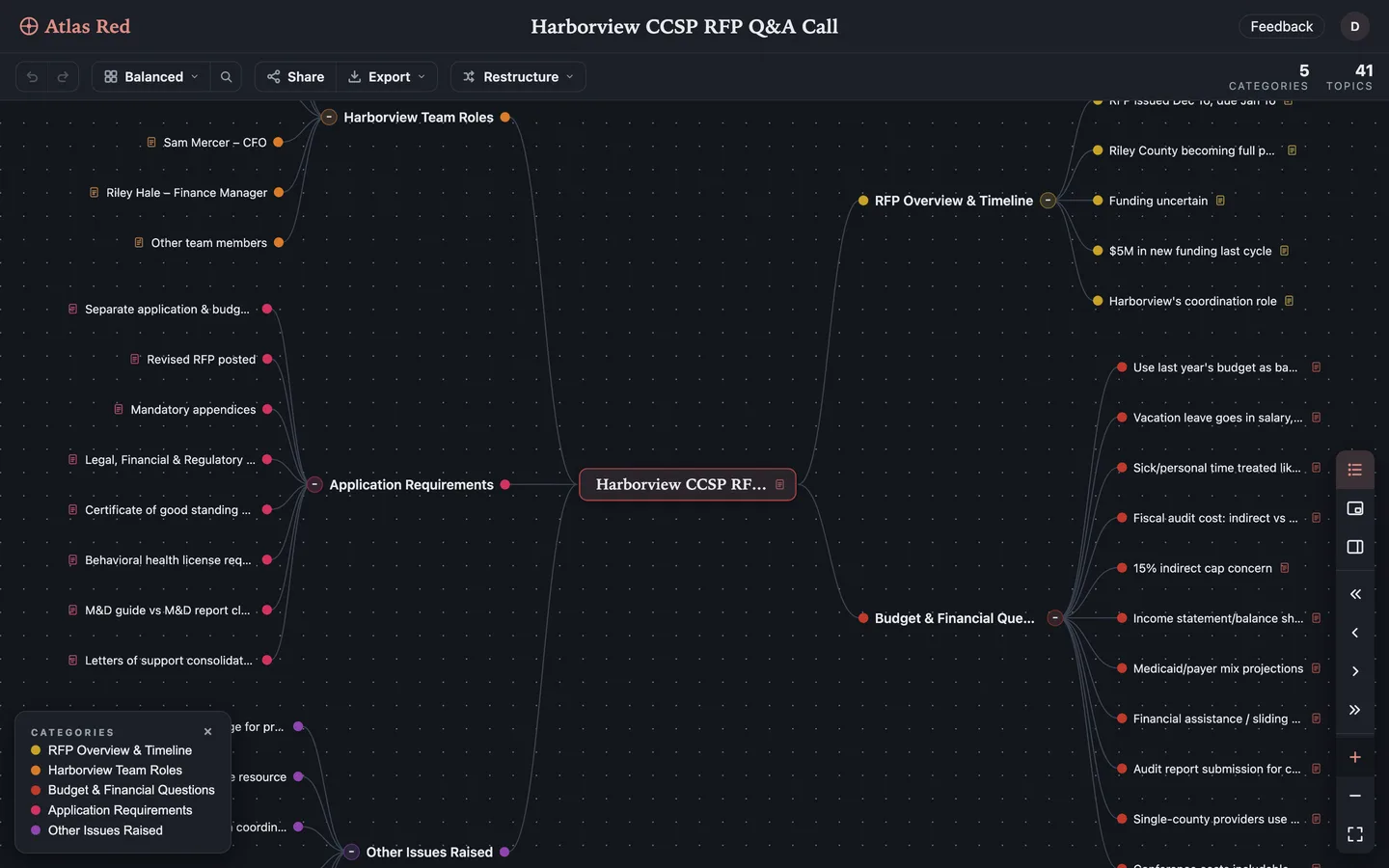
Drop the file in. Any .opml file, straight from the export folder. Nothing to configure, nothing to spend.
Structure comes across. Parents stay parents, children stay children, in the order you had them.
It goes back out, too. Export to OPML again whenever you like — on every edition, Free included.
Questions people ask
Is OPML to mind map conversion free?
Yes — completely. It's a direct format conversion, not an AI feature: no credits, no trial, no credit card. It works on the Free edition exactly as it does on Pro, and the same is true of export. Only photo and PDF import ever cost anything.
Which apps export OPML?
OPML is the lowest common denominator of the outlining world: a plain XML file holding nested items and their text. Almost anything that stores a tree can write one.
- MindMeister Export → OPML. It also writes FreeMind .mm; either works here.
- Workflowy Export on any bullet, OPML among the options — the whole subtree comes with it.
- Dynalist Export → OPML, per document or for the whole file tree.
- OmniOutliner File → Export, OPML in the format list.
- Scrivener Exports the binder outline as OPML.
- MindNode, XMind Both offer OPML alongside their own formats — for XMind, .xmind archives import too.
- RSS readers Subscription lists are OPML by convention — an odd thing to map, but it will open.
If an app has an export menu and holds nested lists, OPML is usually somewhere in it. That is the whole reason the format exists.
Can I export the mind map back to OPML?
Yes, any time, on every tier including Free. Importing from a tool you are leaving is only half of the question worth asking; the other half is whether the next move is just as easy — and with most apps it is not, because export is the feature they keep for paying customers. Atlas Red exports OPML on every edition alongside thirteen other formats: Markdown, plain text, JSON, YAML, FreeMind .mm, XMind, XMindMark, HTML, slides, PNG, JPEG, SVG and PDF. Your maps are never held hostage, and we would rather say so plainly than hope you never test it.
Does it need AI or an internet connection?
No AI is involved — it's a direct format conversion, so the same file always gives the same map. Maps are cached for offline editing, and your edits queue and sync when you're back.
I'm moving from MindMeister. Is OPML the right export?
It's one of two good options — MindMeister writes both OPML and FreeMind .mm, and Atlas Red reads both directly and free. Pick whichever your export dialog offers, and check the result before you delete anything on the old account. More on the move: MindMeister alternative.
What other formats can I import without AI?
Markdown, plain text and TSV outlines, YAML, OPML, FreeMind (.mm), XMindMark and .xmind archives — all direct, all free, no AI. Photos and PDFs use AI and are the only imports that cost credits.
Can my AI assistant import OPML for me?
Yes — Atlas Red's MCP server exposes the same import to any connected assistant, so you can ask ChatGPT or Claude to bring an outline into your workspace as a map. It's free and never metered.